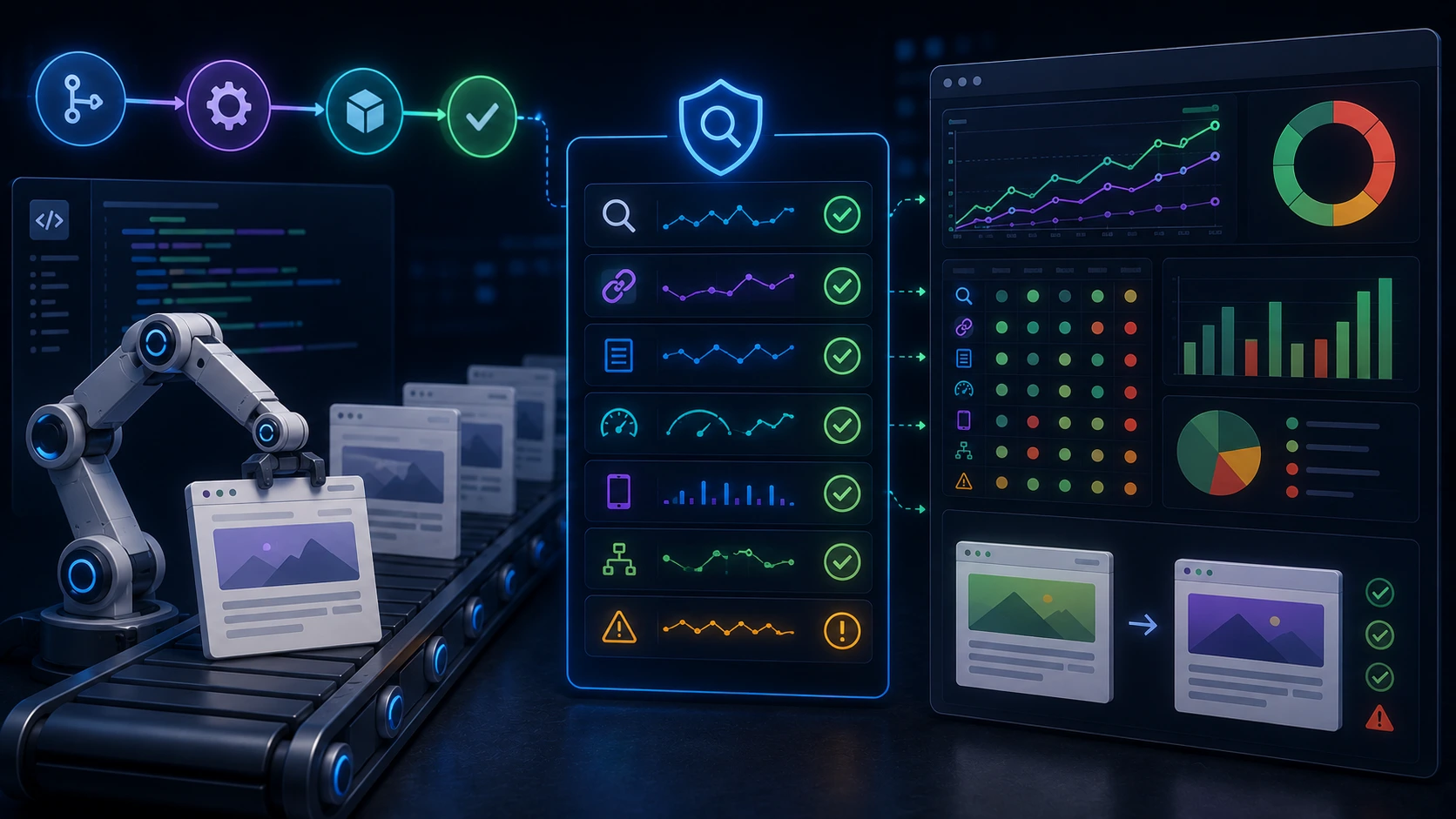
When a small change to a template, a build script, or a dependency lands in production, SEO can break in ways that are hard to spot until organic traffic drops. Integrating seo regression tests into your CI/CD pipeline makes those failures visible earlier—during builds, on merge, or before deploy—so your team can fix regressions before search engines index them.
What an SEO regression test suite should catch
Design the suite around actionable regressions: failures you can triage and fix quickly. Focus on these categories first.
On-page metadata
Title tags, meta descriptions, canonical links, hreflang headers, and Open Graph/Twitter tags. Missing, duplicated, or malformed values here cause indexing issues and poor SERP UX.
Internal and external links
Broken links, unexpected redirects, and nofollow changes. A developer might rename a route; a build change can introduce query strings that break link structure. Tests should detect 4xx/5xx responses and large redirect chains.
Structured data (schema)
JSON-LD that’s missing required properties or contains invalid values can prevent rich results. Tests should confirm presence, required fields, and that the JSON parses correctly.
Robots and crawl signals
robots.txt, meta robots tags, X-Robots-Tag headers, and sitemap availability. A misplaced noindex or a disallow in robots.txt can remove entire sections from search engines overnight.
Performance and core metrics
Page speed regressions and Core Web Vitals changes. Performance falls can influence rankings and user experience even if metadata is correct.
Practical testing patterns to use
Tests should be fast and deterministic when run on each build, and fuller scans should run on staging or nightly. Mix lightweight checks for CI and heavier audits elsewhere.
1. Fast unit-style checks in CI
Run quick checks that validate the rendered HTML for a few representative pages. These are cheap and informative during pull requests.
2. Snapshot tests for structured data and metadata
Capture the canonical set of fields you expect for a page and compare on each run. Snapshots highlight accidental deletions or schema changes while avoiding noisy DOM diffs.
3. Lightweight link health tests
Use a focused crawler that checks all internal links on a small set of important pages. Fail on new 4xx/5xx responses or excessive redirects. Keep the scope limited in CI to avoid long runs.
4. Threshold-based performance checks
In CI run a pared-down Lighthouse or lab audit that measures a few metrics (e.g., LCP, TBT). Treat small regressions as warnings and larger drops as blockers. Keep thresholds deliberate—false positives waste time.
5. Full crawl and audit on staging or nightly
A full site crawl—checking every page, schema instances, sitemaps, robots, and performance samples—belongs off the per-commit path. Run it on staging or as a scheduled job and surface findings in your issue tracker.
Tooling and implementation choices
You don’t need special vendor tooling to get started. Combine headless browsers, audit tools, and simple HTTP checks into a pipeline.
Headless browser checks
Use Playwright or Puppeteer to render pages, verify meta tags, read JSON-LD, and assert DOM-level conditions. These tools run reliably in CI and let you check rendered output (important for JavaScript-rendered sites).
Automated audits for performance and SEO
Lighthouse can provide consistent lab measurements of SEO and performance indicators. Run a slimmed-down Lighthouse audit during CI for representative pages, and run full audits in staging.
Link checking and crawling
Lightweight crawlers or link-check libraries help detect broken links and redirects. Keep CI crawls targeted; use broader crawls on scheduled jobs.
JSON-LD/schema validation
Parse JSON-LD blocks and assert required properties. Schema validation is best kept rule-based in your tests (e.g., product pages must have sku and price fields).
Monitoring integrations
Failing tests should produce clear, actionable output and integrate with existing tools (CI job failure, Slack alert, or an issue in the tracker). That makes triage straightforward and avoids noise.
Example: a minimal Playwright test for metadata
import { test, expect } from '@playwright/test'

test('product page includes canonical and meta description', async ({ page }) => {
await page.goto('https://staging.example.com/product/123')
const canonical = await page.locator('link[rel="canonical"]').getAttribute('href')
expect(canonical).toBe('https://example.com/product/123')

const description = await page.locator('meta[name="description"]').getAttribute('content')
expect(description).toBeTruthy()
})
This small test runs quickly in CI, detects missing metadata, and gives a clear failure message. Use similar patterns for schema and robots header checks.
Design decisions, trade-offs, and flakiness
Balance speed and coverage. Per-commit checks must be reliable and short; full crawls are for scheduled runs. A few practical rules:
- Classify tests as blocking (critical regressions) or informational (warnings). Only block deploys for true showstoppers—e.g., site-wide noindex or broken canonicalization.
- Avoid brittle selectors. Prefer semantic queries (title, meta, structured data) over fragile CSS paths.
- Implement short retries for transient network failures, but investigate persistent flakiness. Frequent reruns hide real regressions.
- Use thresholds, not exact matches, for performance metrics. Small noise is normal; focus on meaningful deltas.
Where in CI/CD to run each check
Map test types to pipeline stages so they add value without blocking development flow.
Pull requests / pre-merge
Run fast unit-style checks and a couple of representative page audits. Give developers immediate feedback on changes that affect SEO-critical pages.
Merge/build stage
Run the broader set of CI checks, including link checks for important routes and snapshot comparisons for structured data.
Pre-deploy to production
Run a final sanity check on a small set of smoke pages. Fail the deploy on issues like site-wide noindex, robots misconfigurations, or critical metadata removal.
Staging and scheduled jobs
Run full crawls, complete Lighthouse audits, and a comprehensive schema validation. Use nightly reports to detect slow-moving regressions that incremental tests miss.
Alerting, triage, and ownership
Testing is only useful if failures are visible and actionable. Create clear alerts and assign ownership:
- Classify failures with a short explanation and a suggested owner (frontend, SEO, backend).
- Create automated issues for high-severity failures from scheduled runs, with a snapshot of failing HTML or schema.
- Keep an exception list for known intentional changes; expire exceptions automatically so they don’t become permanent blind spots.
Make tests readable and meaningful to the team who will fix them: a failing test should clearly state what broke and where to look.
Measuring success
Track whether tests are finding real issues before they hit production and whether fixes are faster after introducing CI checks. Useful metrics:
- Number of SEO regressions caught pre-deploy versus reported post-deploy.
- Average time to fix after a test fails.
- Noise rate: proportion of test failures marked as false positives.
Getting started checklist
- Inventory the most critical pages and SEO signals (titles, canonical, schema, robots).
- Implement a few fast Playwright or Puppeteer checks for representative pages in PRs.
- Add link checks and a small Lighthouse audit to CI build jobs with clear thresholds.
- Schedule a nightly full crawl and schema validation on staging; surface results in your tracker.
- Define severity levels, alerting channels, and owners for test failures.
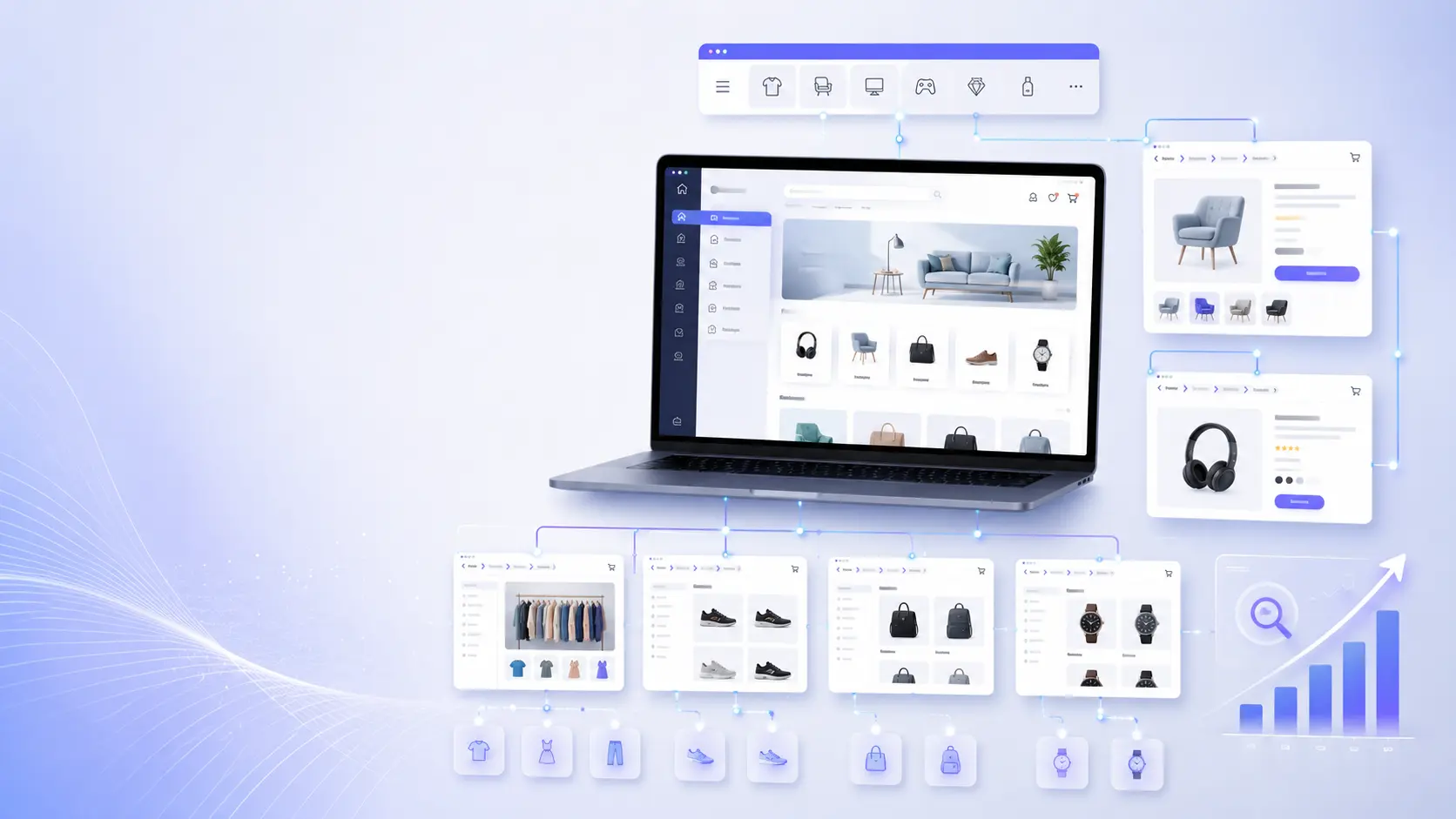
For sites with complex faceted navigation or large catalogues, combine the CI checks above with periodic site-wide audits. Those audits will help prevent indexing problems such as index bloat and duplicate content.
Final practical notes
Start small: a handful of meaningful tests that run on every PR beats a bulky suite that rarely runs. Tune thresholds, reduce flakiness, and expand coverage iteratively. With the right balance, automated seo tests in CI/CD become a defensive layer that protects organic visibility without slowing development.
Frequently Asked Questions
What are the most important seo checks to run in CI?
Start with title/meta tags, canonical links, robots signals, a focused link health check, and a small performance audit (Lighthouse). These are fast, high-impact checks suitable for pull requests and builds.
Should every SEO test run on every commit?
No. Keep per-commit checks fast and deterministic—representative page checks and snapshots. Reserve full crawls and comprehensive audits for staging or scheduled runs to avoid blocking development with long jobs.
How do we avoid flaky SEO tests?
Use semantic selectors, prefer rendered meta and JSON-LD over brittle DOM paths, add short retries for transient network issues, and classify tests so only high-confidence failures block deployment.
Can performance metrics be enforced in CI?
Yes, but use thresholds and treat small deviations as warnings. Run lightweight Lighthouse audits on representative pages in CI and full audits in staging to catch meaningful regressions without excessive noise.