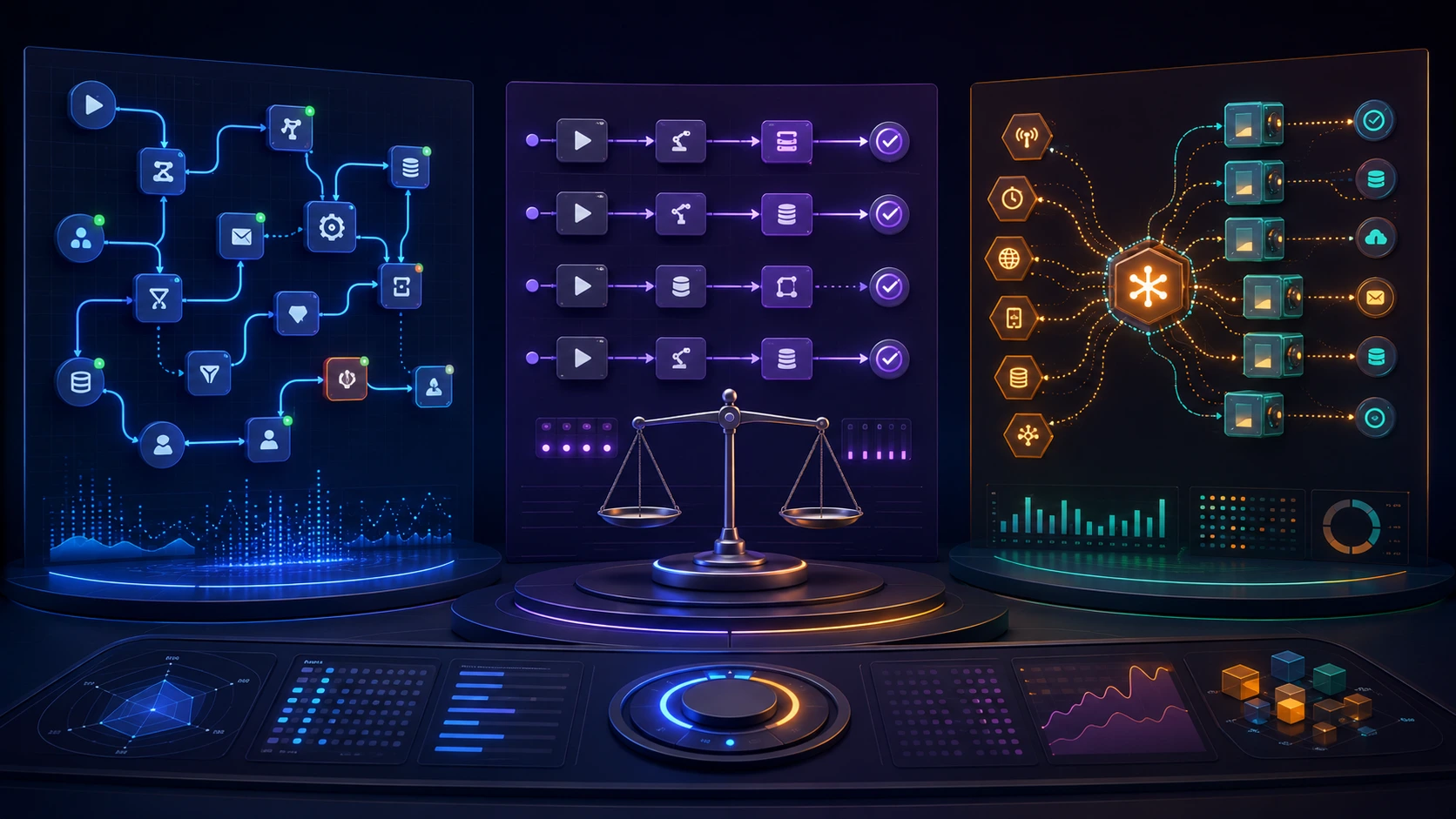
Picking an orchestration layer is less about feature lists and more about matching trade-offs to real needs. This article gives a practical decision framework for comparing workflow engines, shows which tool fits common automation patterns, and walks through the short hands-on steps teams should take before committing.
Why this comparison matters
Teams buy or build orchestration layers to make automations reliable, observable, and maintainable. But different orchestration tools solve different problems: some are designed for long-running, stateful business processes; others excel at scheduled batch pipelines or short-lived CI jobs. A clear decision framework prevents costly rework and operational surprises.
Key evaluation axes to use in any workflow engine comparison
Before looking at specific products, score each candidate along the same axes. These dimensions reveal the trade-offs you'll make:
- Workload shape: Are your tasks short-lived jobs, periodic data pipelines, or long-lived stateful processes that wait for human input or external events?
- State and durability: Does the engine persist workflow state and support retries across failures and restarts?
- Latency and throughput: Do workflows need low-latency responses and high concurrency, or is throughput the priority?
- Error handling and retries: How expressive are retry policies, backoffs, compensation patterns, and failure isolation?
- Observability and debugging: Can you trace runs, inspect state, replay or resume failed steps, and get meaningful logs and metrics?
- Developer ergonomics: Is the API declarative or code-first? Does it integrate with your language stack, testing tools, and CI?
- Operational footprint: What infrastructure is required to run, scale, and upgrade the engine? Who owns availability and upgrades?
- Integrations and ecosystem: How easy is it to connect to queues, cloud services, databases, version control, and secrets managers?
- Security and multi-tenancy: Does the engine support RBAC, encryption, isolation across teams, and auditing?
- Cost model: Consider run-time costs, control plane charges (if SaaS), and the engineering effort to operate the system.
Common orchestration patterns and the engines that fit them
Match real automation patterns to the axes above. Here are typical scenarios and the kinds of engines that suit them.
1. Batch data pipelines (ETL/ELT)
Requirements: scheduled runs, dependency management, retries, visibility into task runs, and integration with data stores.
Good fit: engines that make DAGs first-class, provide scheduling, and offer rich observability. Prioritize a scheduler with task-level retry policies, backfills, and lineage hooks.
2. Event-driven business processes (human-in-the-loop)
Requirements: durable state across weeks or months, waiting for external signals, versioned workflows, and strong fault tolerance.
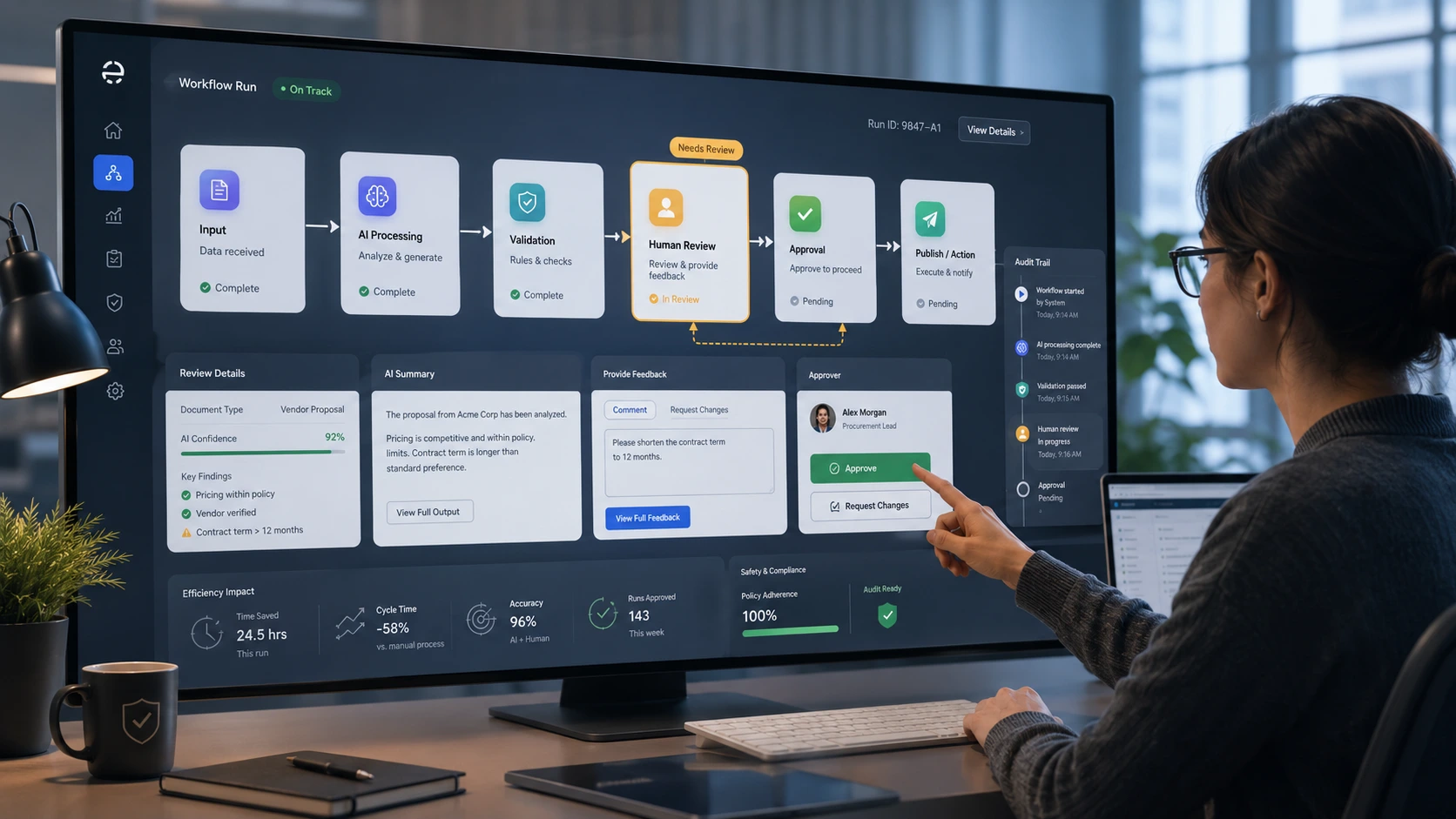
Good fit: stateful workflow engines that persist execution state and provide language-level APIs to model long-running logic. Look for native support for signals, timers, and compensations.
3. CI/CD and short-lived automation
Requirements: fast startup, ephemeral runners, integration with VCS and secrets, and predictable isolation between runs.
Good fit: CI-focused orchestrators that run jobs in containers or serverless workers and integrate tightly with source control and secrets management.
4. Ad-hoc or one-off admin jobs
Requirements: simple execution, occasional scheduling, and low operational overhead.
Good fit: lightweight schedulers or managed serverless job platforms that minimize maintenance burden.
Temporal vs Airflow vs GitHub Actions — a practical comparison
Those three names appear frequently in evaluations. Here’s a direct, pragmatic comparison focused on fit rather than exhaustive feature lists.
- Temporal — Strengths: modeled for long-running, stateful workflows. It keeps workflow state durable and lets developers write orchestration logic in code (languages like Go, Java, TypeScript). Temporal is a strong choice when you need reliable, event-driven business logic that survives process restarts and supports complex retry and compensation behavior.
- Airflow — Strengths: mature scheduler for batch data pipelines and DAG-oriented workloads. Airflow’s tooling for scheduling, backfills, and task orchestration is a natural fit for ETL/ELT pipelines. It is less focused on low-latency or highly interactive workflows and typically runs tasks in worker fleets or containers.
- GitHub Actions — Strengths: tightly integrated with source control and designed for CI/CD, developer automations, and repository-triggered workflows. It’s convenient for build-and-deploy pipelines, simple automation tied to commits, and developer-facing tasks. It’s not primarily intended for durable, long-lived business processes.
In short: choose Temporal for stateful, event-driven processes; Airflow for scheduled data pipelines; GitHub Actions for repository-centric CI/CD and developer automations. Your team’s workload shape should drive the pick more than feature checkboxes.
A step-by-step decision framework
Follow these concrete steps to move from evaluation to a confident choice.
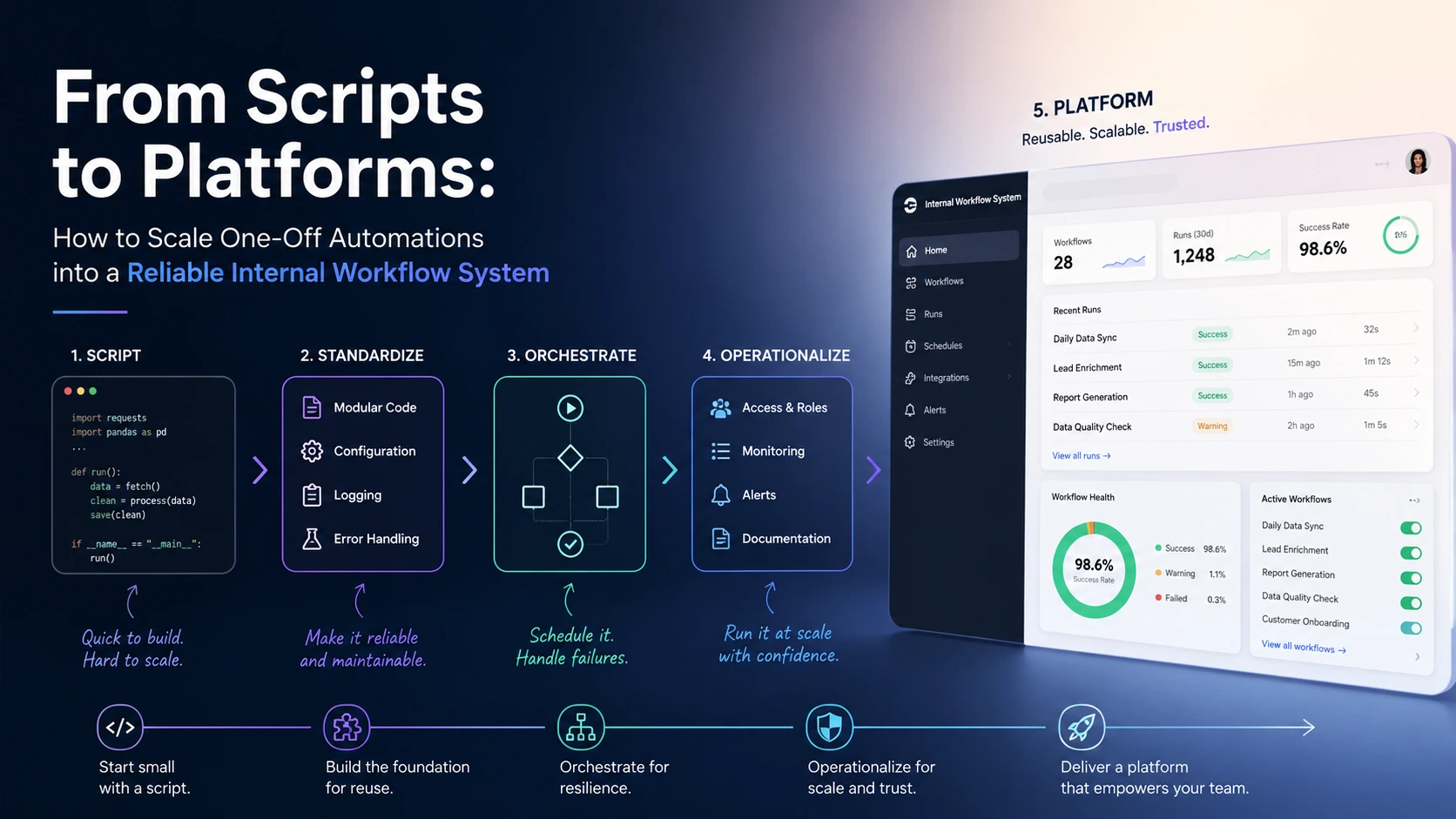
- Inventory workflows: Catalog current automations and classify them by pattern (batch, event-driven, CI, human-in-loop). Quantify run frequency, average duration, and SLA requirements.
- Score candidates against the axes: Use the evaluation axes above and assign a simple A/B/C grade for each tool on each axis. This reveals where trade-offs lie.
- Shortlist two engines: Pick a primary candidate and a fallback that covers missing constraints. Avoid evaluating more than two seriously — depth beats breadth in prototyping.
- Prototype with real workflows: Implement one representative workflow from your inventory, not a synthetic demo. Measure developer velocity, observability, and operational needs during the pilot.
- Assess operational costs: Estimate run-time costs, engineer hours for onboarding and maintenance, and implications for security and compliance.
- Decide and stage the rollout: Start with low-risk automations, migrate incrementally, and put guardrails (alerts, drift detection, runbooks) in place before moving critical workloads.
Practical trade-offs and common pitfalls
Some decisions look attractive on paper but create problems in production. Watch for these pitfalls:
- Choosing a scheduler for stateful needs: Picking a scheduler-focused engine for workflows that require durable state can lead to brittle workarounds and complex checkpointing.
- Underestimating operational complexity: Self-hosted orchestration systems can add significant maintenance work; factor that into staffing decisions.
- Overcentralizing heterogeneous workloads: Forcing every automation type into one tool often reduces developer productivity. It’s fine to use multiple engines for different patterns if you standardize monitoring and access controls.
- Neglecting observability and testability: If you can’t reliably replay or inspect failed runs, operational costs and incident time will grow quickly.
How to prototype sensibly
Keep prototypes focused and measurable. A good pilot:
- Targets one representative workflow from each workload shape you plan to support.
- Includes failure injection and recovery tests to validate durability and retry semantics.
- Measures developer setup time, time-to-first-success, and the time required to troubleshoot a failed run.
- Runs for a few weeks in a staging environment with realistic load to surface scaling issues.
If your team needs guidance on human-in-the-loop design patterns, the article “Designing Human-in-the-Loop Automation: A Practical Framework for Safe and Efficient Workflows” discusses patterns to consider when workflows require manual approvals or interventions.
Checklist for making the final call
- Does the engine natively support your dominant workload shape?
- Can your team write, test, and deploy workflows using familiar languages and tooling?
- Do observability and debugging tools meet your SLOs for visibility and MTTR?
- Is the operational burden acceptable given your staffing and risk appetite?
- Are integrations you need available or easy to implement?
- Have you validated the choice with a realistic prototype?
Choose the orchestration layer that reduces the cost of owning automation, not the one with the longest feature list.
When to consider building your own orchestration layer
Most teams are better off adopting an existing engine, but building can make sense if your requirements are highly specialized: extreme latency constraints, proprietary execution environments, or a strong need to control the entire control plane for compliance. If you go down this route, design for observability, state durability, and safe shutdown/restart behaviors from day one; these are the functions you’ll pay for later if they’re missing.
Final practical advice
Start with the workload patterns rather than vendor names. Use the evaluation axes to create a defensible shortlist, prototype with representative workloads, and treat operational cost as a first-class input. For many teams, the pragmatic outcome is a small set of engines optimized for different patterns (for example: a DAG scheduler for data pipelines, a stateful workflow engine for long-lived business processes, and a CI-focused tool for repository automation) with standardized monitoring and access controls across them.
Frequently Asked Questions
What's the difference between a workflow engine and a scheduler?
A scheduler focuses on timing and triggering jobs (for example cron-like schedules and DAG runs). A workflow engine additionally manages durable state, complex control flow, signals, and often provides richer retry and compensation semantics for long-running or event-driven processes.
When should we choose Temporal over Airflow?
Choose Temporal when you need durable, stateful workflows that wait for external events, support long-running business processes, and require code-first orchestration with strong retry and compensation features. For scheduled batch pipelines, Airflow is usually a better fit.
Is it okay to run multiple orchestration tools in the same organization?
Yes. Many organizations standardize on different tools for different workload shapes (e.g., a DAG scheduler for data pipelines and a stateful engine for business processes). The key is to standardize monitoring, access controls, and runbooks to manage cross-tool complexity.
What should a sensible prototype include?
A prototype should implement a representative workflow, include failure and recovery tests, measure developer setup and troubleshooting time, and run under realistic load in staging to reveal scaling and operational issues.
When does building a custom orchestration layer make sense?
Building is reasonable only when off-the-shelf tools cannot meet critical needs—typically extreme latency, proprietary execution environments, or strict compliance and control requirements. Expect higher long-term maintenance and design the core operational features (state durability, observability) up front.