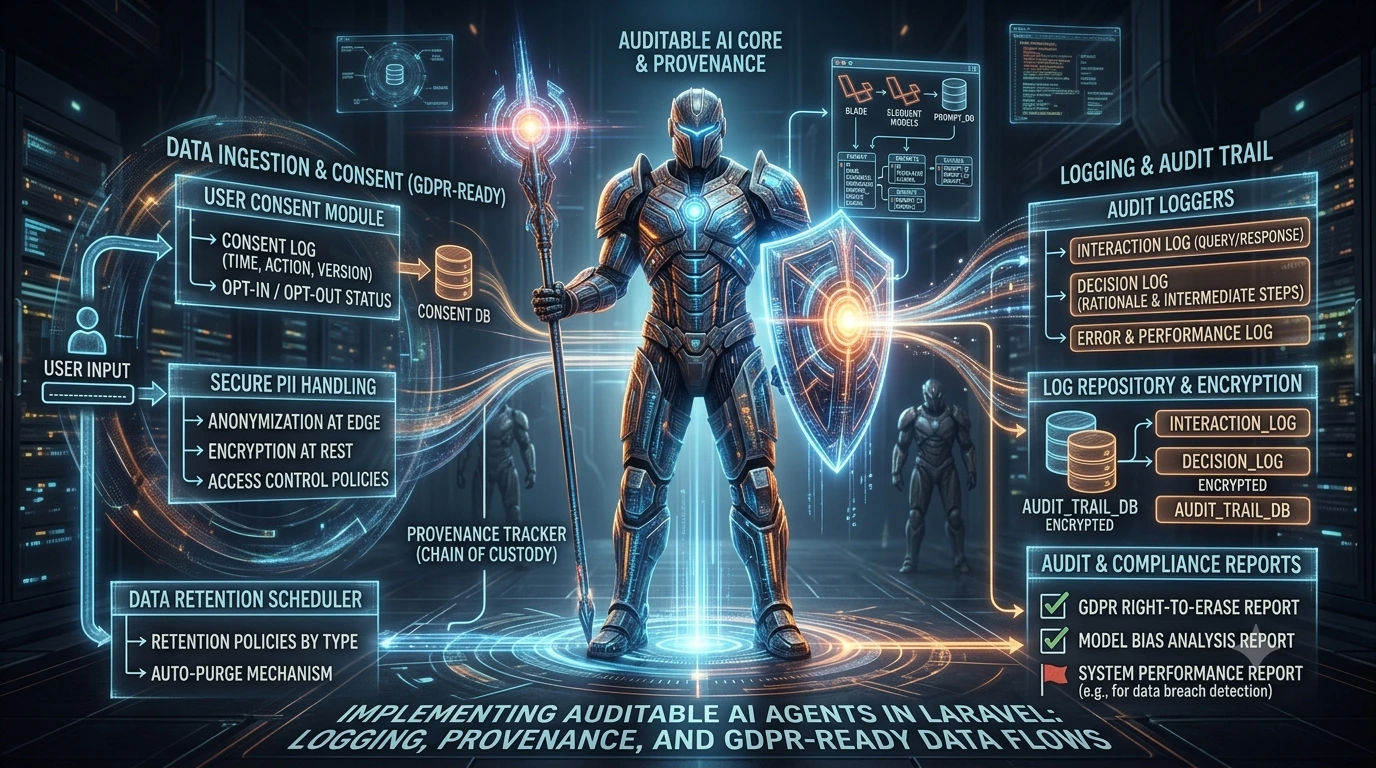

When you expose tools to machine-controlled processes (MCP agents) and third-party plugins, the risk is not only that a tool can do too much, but that a plugin can escalate privileges or export sensitive data. Capability-based sandboxing frames tool access as a set of narrowly scoped, auditable permissions and enforces those permissions where the tool executes. This article lays out practical design patterns and concrete Laravel implementation ideas so you can build MCP tool sandboxes that reduce privilege, limit data exposure, and remain operationally practical.
Why capability-based sandboxing matters for MCP tool security
Traditional access control often grants a role or service broad rights (read/write across a resource). Capability-based security flips that model: each tool invocation receives an explicit, minimal capability — a fine-grained credential describing exactly what action is allowed, on which object, for how long, and under what constraints. For MCP tool sandboxing, that means agents and plugins never run with blanket application privileges; instead they operate with narrowly scoped capabilities designed to limit both accidental and malicious actions.
Core design patterns
These patterns form a practical toolkit for implementing capability-based sandboxing across languages and platforms.
1. Capability descriptors (explicit, machine-readable permissions)
Define capabilities as structured documents (JSON, signed tokens) that state the allowed action, target, context, expiry, and optional constraints (e.g., rate or result size). Keep them small, verifiable, and single-purpose.
{
"capability": "send_email",
"target": "org:42",
"scope": {
"recipients": ["@example.com"],
"max_attachments": 0
},
"expires_at": "2026-12-01T12:00:00Z",
"issued_by": "mcp-controller"
}
2. Signed capabilities and verifiable tokens
Attach a signature to each capability (JWT or an application-signed JSON blob) so the enforcement point can validate authenticity and tamper resistance without a synchronous lookup to the issuer. Signatures also allow short-lived offline verification in distributed environments.
3. Enforcement boundary: in-process checks vs out-of-process sandboxes
Decide whether to enforce capabilities inside your Laravel process or in an isolated runtime. In-process enforcement (middleware, policies, Gates) is simpler and higher performance but trusts the runtime. Out-of-process isolation (separate container, microservice, or sandboxed worker) provides stronger containment at the cost of complexity, latency, and operational overhead. A hybrid approach — in-process checks plus a small, hardened worker for sensitive operations — is often pragmatic.
4. Principle of least privilege and capability composition
Give agents only the smallest capability needed for a single task. If a workflow requires multiple operations, compose capabilities explicitly rather than issuing one broad capability. That makes auditing and revocation straightforward.
5. Data-flow constraints and result redaction
Capabilities should express not only what action is allowed but what data can be returned. For example, a capability can restrict fields in responses or limit the size of returned objects. Enforce redaction at the enforcement point so downstream plugins can’t exfiltrate secrets by returning sensitive fields.
6. Rate limits, timeouts, and resource caps
Attach operational constraints to capabilities: number of uses, TTL, CPU or memory limits (if executed out-of-process), and maximum response size. These limits reduce the blast radius of unexpected behavior and provide deterministic guardrails.
7. Auditability and revocation
Record every capability issuance and usage with enough context to reconstruct events. Support immediate revocation where possible (short TTLs plus a revocation list) and retain logs for post-incident analysis.
Laravel implementation patterns
Below are grounded approaches that fit naturally into Laravel’s architecture: middleware, Gates/Policies, jobs/workers, and configuration. These patterns avoid inventing new frameworks and instead adapt established Laravel primitives to enforce capability-based sandboxing.
Capability context middleware
When an MCP controller hands a capability to an agent or plugin, treat that capability like a request-scoped credential. A small middleware validates the signed capability, attaches a CapabilityContext object to the request, and denies the request if validation fails.
class ValidateCapability
{
public function handle($request, Closure $next)
{
$token = $request->header('X-Capability-Token');
$cap = CapabilityVerifier::verify($token);

if (! $cap) {
return response('Unauthorized', 401);
}

$request->attributes->set('capability', $cap);
return $next($request);
}
}
The CapabilityVerifier is responsible for signature validation and extracting the descriptor. Keep this service small and testable.
Enforce capabilities with Gates and Policies
Map capability actions to Laravel Gates or Policies so protection integrates with the framework’s authorization flow. For example, declare a Gate that checks whether the active capability allows a given action and target.
Gate::define('send-email', function ($user = null, $context = null) {
$cap = request()->attributes->get('capability');
return $cap && $cap['capability'] === 'send_email' && $cap['target'] === $context['org'];
});
Call Gate::authorize('send-email', ['org' => $orgId]) before the tool executes. This keeps checks consistent across controllers, jobs, and service classes.
Scoped resource clients
Wrap external clients (database access, HTTP clients, storage) with a scoped facade that enforces capability limits: allowed endpoints, query filters, and fields. For example, a scoped DB accessor can automatically add WHERE clauses that limit rows to an organization the capability allows.
Isolate high-risk tools using workers or containers
For operations that touch highly sensitive data or require strong isolation, run tools in separate worker processes or containers. Use signed capabilities to authorize the worker at startup, then expire the capability quickly. The Laravel queue worker model fits well: a job polls the capability token, validates it, and executes inside an isolated runtime with constrained permissions.
Secret handling and ephemeral credentials
Avoid embedding long-lived secrets inside capabilities. Instead, allow capabilities to request ephemeral credentials from a secrets service at execution time. The secrets service validates the signed capability and issues time-limited credentials scoped to that capability. This pattern reduces long-term exposure if a capability token leaks.
Example: minimal tool invocation flow
1. Controller receives tool request with X-Capability-Token.
2. Validate token in middleware and attach capability to request.
3. Gate::authorize('execute-tool', ['tool' => 'exportCsv']).
4. Use scoped client to fetch only permitted rows and fields.
5. Enforce response redaction and size limits before returning result.
6. Log capability usage with actor, capability id, action, and result hash.
Checklist for rolling out MCP tool sandboxing
- Define a machine-readable capability schema for your environment (actions, targets, constraints, expiry).
- Implement token signing and verification (short TTLs, strong signing keys).
- Introduce middleware to validate and attach capability context to requests.
- Map capabilities to Gates/Policies and ensure every tool execution path checks authorization.
- Wrap external clients with scoped adapters that filter queries and enforce field-level constraints.
- Use separate processes or containers for high-risk tools and provide ephemeral secrets on demand.
- Build audit logging and a revocation mechanism (short TTLs + revocation list).
- Run a threat model exercise focused on data exfiltration, privilege escalation, and replay attacks.
Trade-offs and common pitfalls
Capability-based sandboxing reduces risk but isn’t free. Expect added complexity in token issuance, revocation, and operational bookkeeping. Common mistakes include issuing overly broad capabilities to avoid orchestration friction, failing to enforce redaction at the enforcement boundary, and trusting client-side checks. Also, out-of-process isolation increases deployment and debugging complexity; adopt it for the smallest, highest-risk surfaces where in-process checks are insufficient.
Implementation roadmap (short, practical)
- Start by modeling capabilities for one high-risk tool: list actions, targets, and result constraints.
- Add middleware and a verifier that validates signed capability tokens for that tool’s endpoints.
- Convert the tool’s internal checks to use a Gate or Policy that reads the capability context.
- Introduce scoped clients for data access and add result redaction rules.
- Pilot the approach with short TTLs and strict logging; iterate on capability granularity and revocation flow.
Design for minimum privilege, verify capability integrity at the enforcement boundary, and assume agents or plugins will attempt to find data leakage paths.
Where this fits with RBAC and org-scoped controls
Capability-based sandboxing complements RBAC and organizational scoping: RBAC determines which human or service can request capabilities, while capability tokens determine what an agent or plugin can do at execution time. If you’ve implemented org-scoped MCP tools or RBAC for agents, treat capability issuance as an additional, narrow hand-off that translates RBAC decisions into concrete runtime permissions.
Following these patterns helps you keep third-party plugin access narrow, auditable, and revocable — reducing the chance that a plugin can escalate privileges or leak sensitive data while still enabling useful tool integrations for MCP agents.
Frequently Asked Questions
What is the difference between RBAC and capability-based sandboxing for MCP tools?
RBAC determines who can request or issue permissions (human or service-level policies). Capability-based sandboxing issues explicit, short-lived, machine-readable permissions attached to a tool invocation, which the enforcement point uses to restrict runtime behavior. Use RBAC to decide who may obtain a capability and capabilities to constrain what an agent may do at execution time.
Should capability checks run inside Laravel or in a separate sandboxed process?
For lower-risk tools, in-process checks (middleware + Gates/Policies) are simpler and perform well. For high-risk operations touching sensitive data, prefer out-of-process isolation (separate worker or container) to reduce blast radius. A hybrid approach—validate capabilities in-process and execute sensitive operations in an isolated worker—balances safety and complexity.
How do I prevent data exfiltration when a plugin has an allowed capability?
Attach data-flow constraints to capabilities (allowed fields, max result size), enforce redaction centrally before any plugin sees output, and log all outputs. Use scoped clients that filter queries and remove sensitive fields at the enforcement boundary rather than relying on plugin-side filtering.