
Genkit Agents API, ORA, Python AI Explainer: new tools for workflow automation are changing how teams stitch model outputs, business logic, and human review into repeatable processes. This article explains what these tool categories do, where they belong in a stack, and the pragmatic trade-offs teams should weigh when introducing them into production workflows.
What these tools are — and the operational gaps they close
Put simply: agent APIs, runtime/orchestration layers like ORA, and explainer libraries for Python each address a different piece of the automation puzzle.
An agent API (for example, a Genkit-style Agents API) exposes the concept of an autonomous or semi-autonomous actor that can call tools, query services, and maintain state while pursuing a goal. That turns one-off prompts into programmable behaviors: decision steps, conditional tool use, retries, and result aggregation.
ORA-style components supply the runtime and observability layer that agents need. They sit between the agent logic and production infrastructure to handle execution, auditing, task queues, and lifecycle events. In practice this reduces the operational friction of running many independent agents and makes debugging and governance tractable.
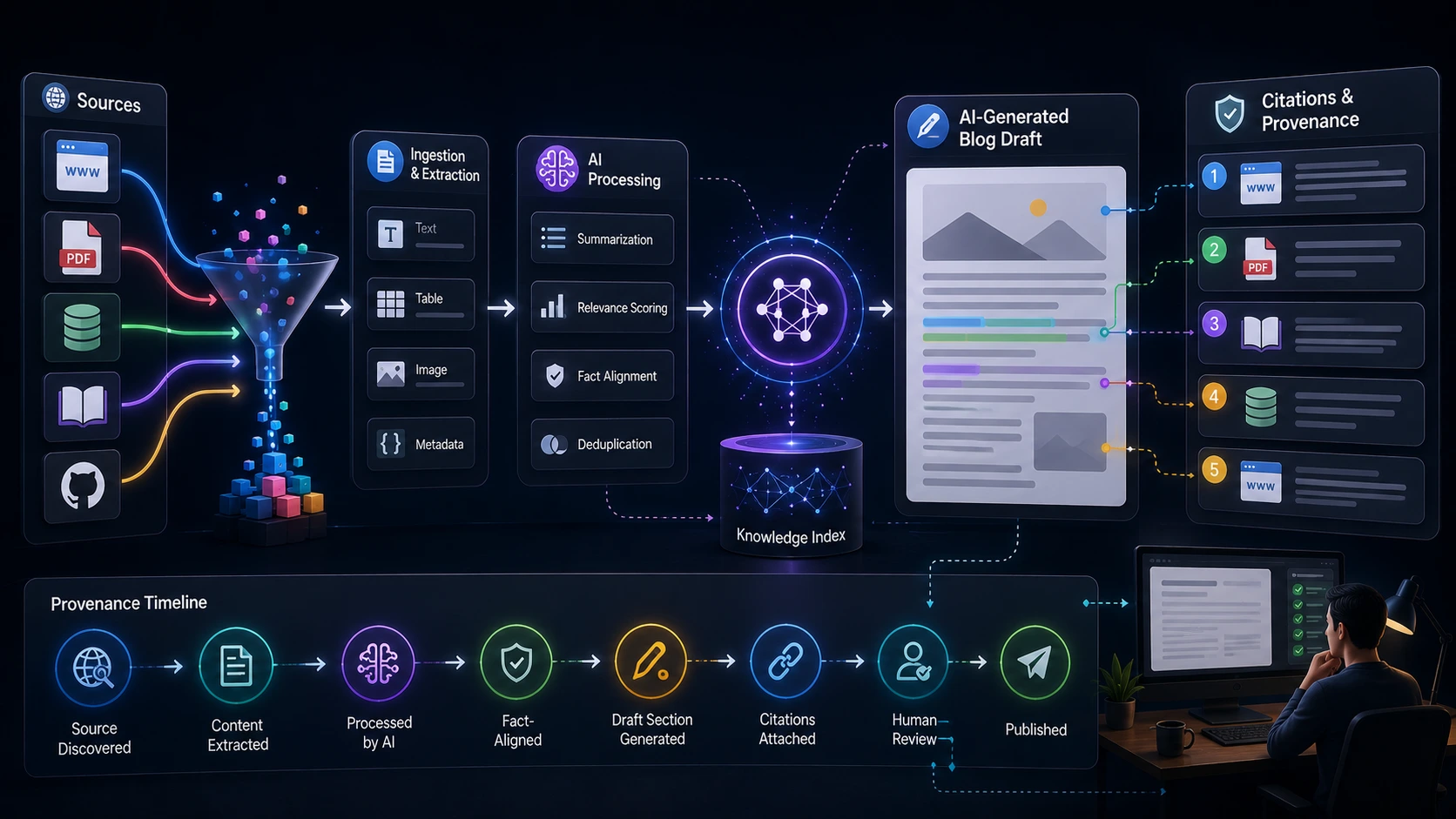
Python AI Explainer tools produce readable, structured explanations of model outputs or agent decisions. They are aimed at two outcomes: making automated decisions understandable to human reviewers and producing deterministic artifacts (summaries, step lists, source references) that teams can inspect, test, and store with the run history.
How these pieces fit into a workflow automation stack
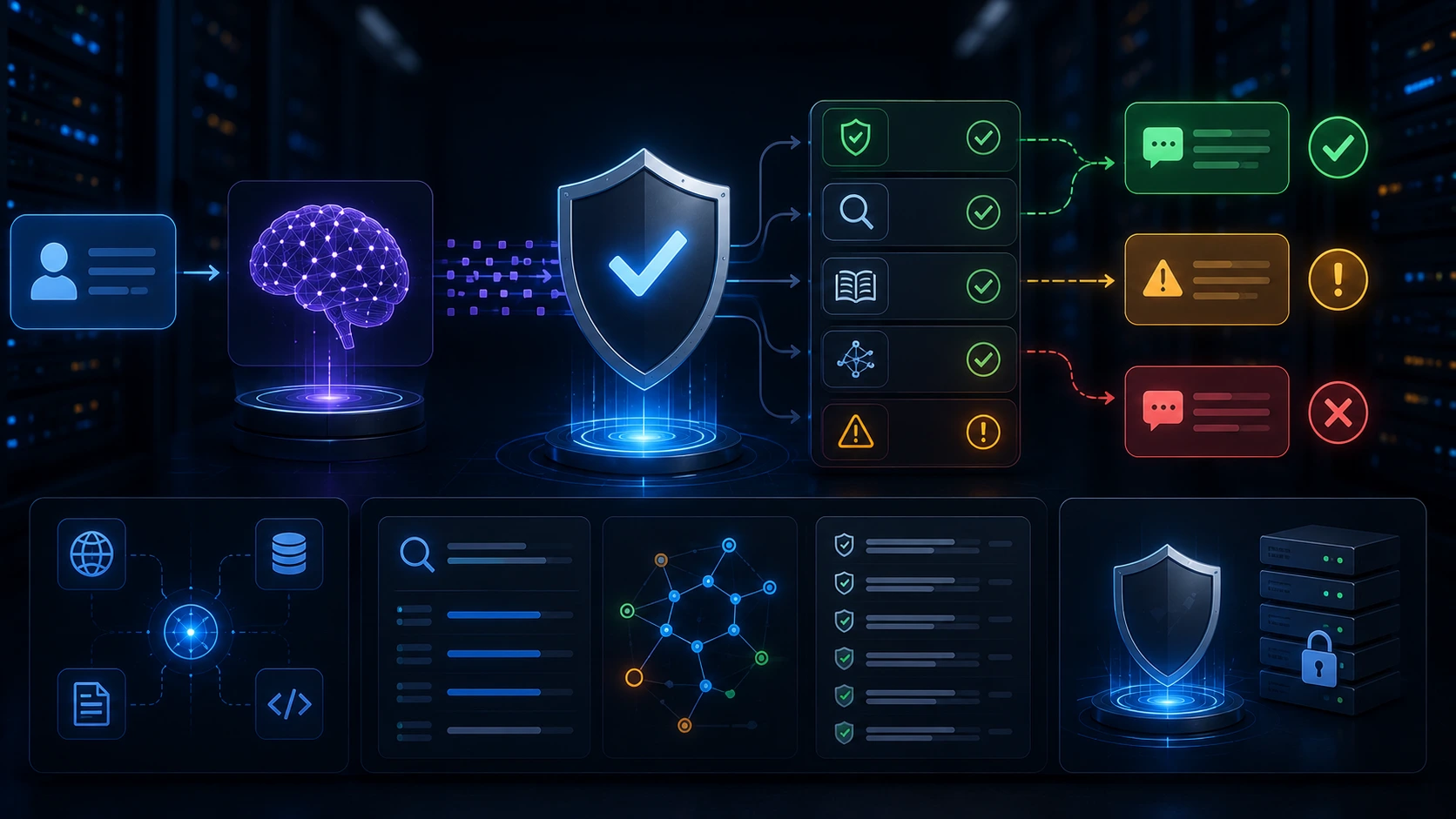
Think of the stack in three layers: orchestration, agents, and explanation/audit. The orchestration layer schedules and routes work; the agent layer executes decision logic and tool calls; the explainer layer turns opaque outputs into human-friendly records.
That separation matters. Orchestration focuses on scale and reliability (queues, retries, visibility). Agents focus on decision-making and tool composition. Explainers focus on traceability and handoffs to humans or other systems. Putting them together helps teams move beyond brittle scripts toward maintainable automation.
If you need a decision framework for choosing the right orchestration layer or scaling one-off automations into reusable systems, earlier Wide Web Blog coverage covers the trade-offs in more depth under the themes of workflow selection and platformization.
Practical patterns and trade-offs
When you evaluate these technologies, look for fit across four dimensions: task complexity, observability needs, safety/governance, and operational cost.
- Short, deterministic tasks: Use lightweight orchestrators or direct API calls. Agents add overhead without much benefit.
- Multi-step decisions that call external tools: Agents shine here—especially where conditional logic and tool chaining are required.
- High audit or compliance needs: An ORA-like runtime that records inputs, tool calls, and agent decisions plus an explainer that summarizes the run will save time in reviews.
- Cost-sensitive or latency-sensitive workloads: Prefer simpler orchestration and narrowly scoped agents; keep model calls minimal and cache results where possible.
Trade-offs to watch for:
- Loss of control: Agents can obscure which tools they will call unless you explicitly limit their toolset and capabilities.
- Operational complexity: Adding a runtime layer improves observability but requires runbook and hosting work.
- Testing challenges: Agents that mix stateful behavior and stochastic model outputs are harder to unit-test; explainer libraries can help by producing testable artifacts from runs.
When to adopt which component
Adopt an agent API when your automation requires flexible decision logic, calls to multiple services, or adaptive retries. Add an ORA-style runtime once you need concurrent runs, centralized logs, lifecycle controls, or stricter auditing. Use Python explainer tools early if your automation outputs require human review, regulatory documentation, or frequent stakeholder explanations.
An implementation checklist (practical steps)
Use this checklist as a minimum viable plan for piloting an agent-driven automation with observability and explainability:
- Define the goal tightly. What is the single business outcome the agent will pursue?
- Inventory the tools the agent may use (APIs, databases, internal services) and explicitly scope allowed tool calls.
- Design idempotent actions. Ensure retries don’t create duplicate side effects.
- Instrument every step. Capture inputs, chosen tools, model response, and final decision in structured logs.
- Integrate an explainer that outputs a short narrative plus a structured checklist of sources and confidence scores for each run.
- Establish RBAC and secrets handling for tool credentials. Treat agent tool access like a user permission.
- Start with a narrow pilot, run it under observation, and collect failure modes before expanding the agent’s scope.
# Conceptual Python flow for an agent-based step (illustrative only)
# 1) receive goal
# 2) select tool
# 3) call tool
# 4) explain decision

def run_agent(goal):
decision = plan_steps(goal)           # deterministic planner
tool_choice = select_tool(decision)
result = call_tool(tool_choice, decision)
explanation = explain_decision(goal, decision, result)
record_run(goal, decision, tool_choice, result, explanation)
return result, explanation
Operational concerns: observability, safety, and cost control
Observability is not optional for agent systems. Without structured logs and run artifacts you cannot reconstruct why an agent took a specific action or which model outputs influenced a decision. An ORA-like runtime helps centralize that telemetry; an explainer ensures the run produces a human-readable summary.
From a safety perspective, limit tool privileges, validate outputs from external calls, and require human confirmation for high-risk actions. Maintain a clear separation between exploratory agent runs (lower privileges, sandboxed) and production runs (restricted, monitored).
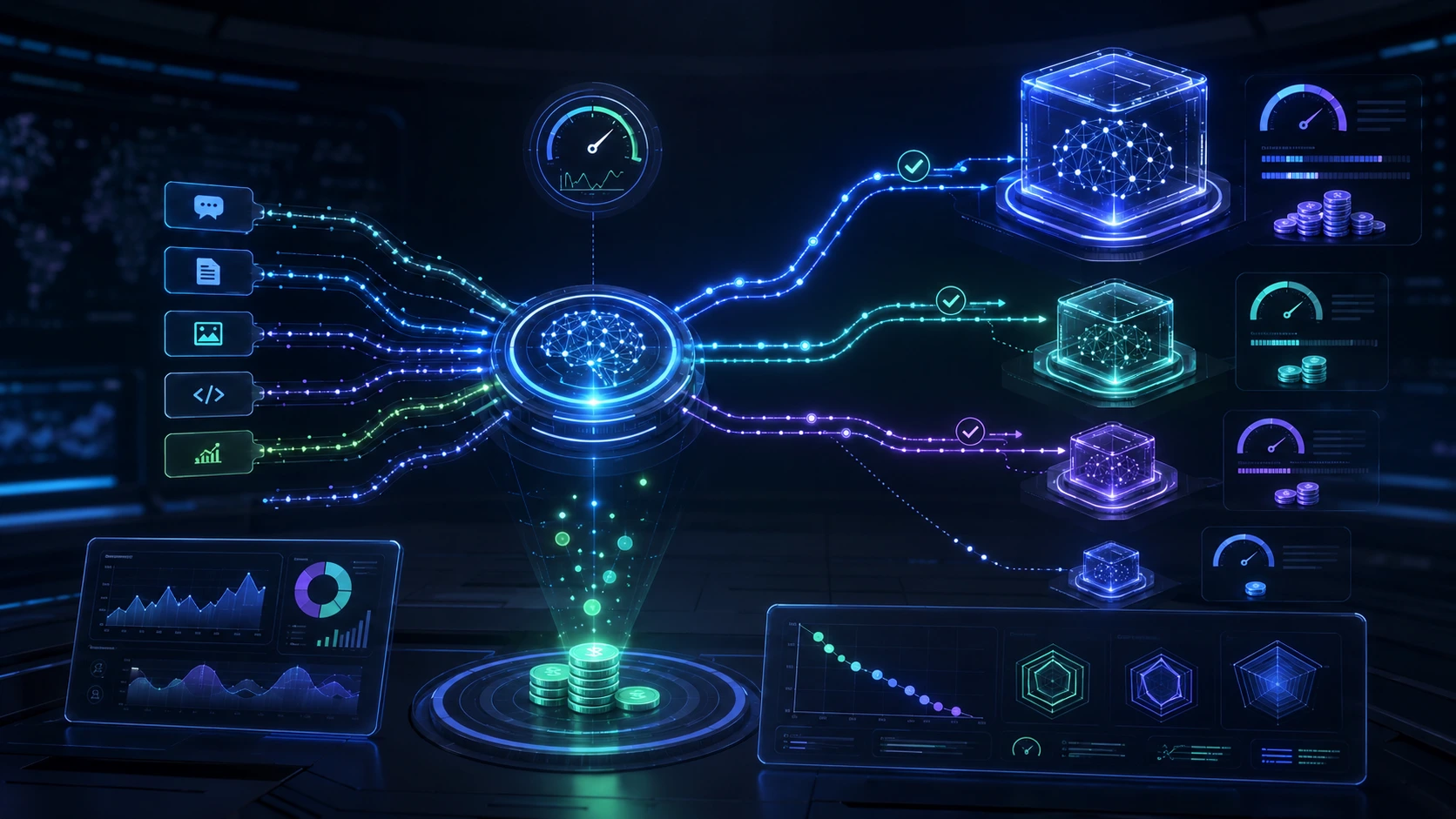
Cost control requires observability plus quotas. Track model usage per agent, add budget guards, and prefer smaller models or caching where possible for high-frequency automation.
Practical pilot: a two-week plan
Run a focused pilot to validate value without overcommitting resources. A simple two-week sequence looks like this:
- Day 1–2: Define goal, tools, and success metrics.
- Day 3–7: Build the agent prototype and basic orchestration (single-run, local dev environment).
- Day 8–10: Add run recording and an explainer that summarizes outputs for reviewers.
- Day 11–12: Run a constrained production trial under observation, collect failures and false positives.
- Day 13–14: Harden security controls, add simple retry policies, and measure ROI against success metrics.
If you need a broader framework for scaling these pilots into a platform, our past coverage on migrating scripts into reliable internal workflow systems and on choosing workflow engines offers complementary guidance.
Where teams typically get stuck — and how to avoid it
Common failure modes include: unclear success criteria, insufficient logging, granting agents overly broad tool access, and skipping human review on high-risk decisions. Avoid these by scoping pilots tightly, instrumenting every run, limiting privileges, and integrating explainer outputs into the review process.
Start small, require explicit tool whitelists, and make every run produce both a structured record and a short human-readable explanation.
Next steps
If you’re evaluating these technologies, prioritize three outcomes: demonstrable time savings on a real task, clear observability for debugging, and reproducible explanation artifacts for audits. Plan one narrow pilot, instrument it thoroughly, and expand only after the pilot produces reliable, reviewed results.
Frequently Asked Questions
What is the difference between an agent API and a workflow engine?
An agent API models autonomous decision logic and tool composition; a workflow engine focuses on orchestration primitives like queues, retries, and long-running state. Agents handle complex, conditional logic; engines handle scale and lifecycle management. Use both when you need adaptive decisions plus production-grade reliability.
Do I need an ORA-like runtime to run agents?
Not for small experiments. ORA-style runtimes become important when you require centralized logging, concurrent runs, lifecycle controls, or stricter auditing. Start without one for a narrow pilot, add a runtime before scaling to production.
How do Python AI Explainer tools help with compliance?
Explainer tools produce human-readable summaries and structured artifacts (sources, confidence indicators, step lists) for each run. Those artifacts let reviewers validate decisions and provide evidence for audits without replaying raw model outputs.
What are the top security precautions for agent-driven automation?
Limit agent tool privileges with whitelists and RBAC, handle secrets securely, design idempotent actions to avoid duplicates on retries, and require human approval for high-impact actions.
How should teams measure success for an agent automation pilot?
Pick one concrete KPI (time saved per task, reduction in manual steps, throughput improvement), track error rates and reviewer time, and measure model/API costs to ensure the pilot yields net operational benefit.