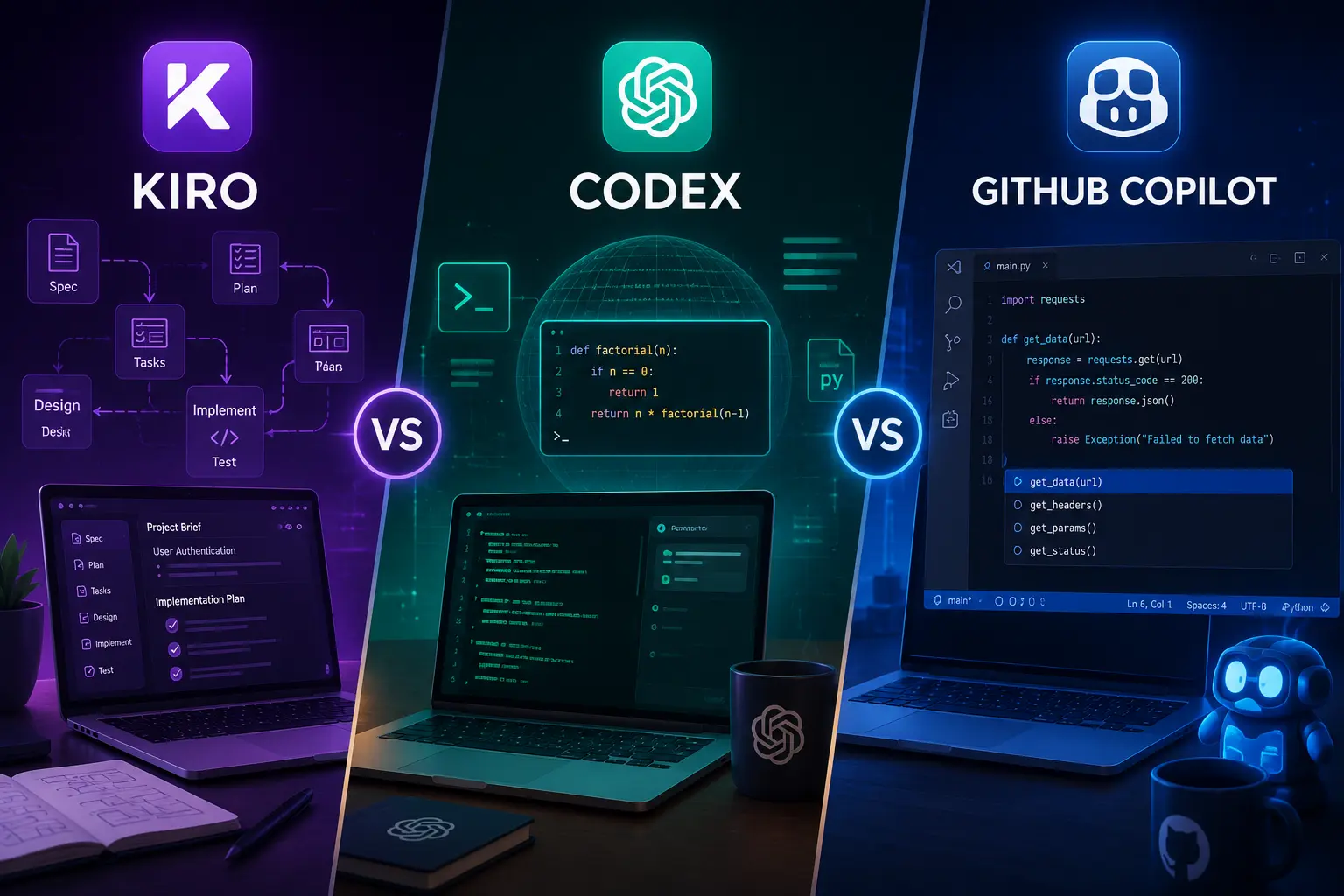
Small engineering teams evaluating AI coding assistants face the same five constraints repeatedly: limited budget, fast onboarding, predictable behavior, and a need to protect IP and production stability. Kiro vs Codex vs GitHub Copilot is a useful framing, but the right choice depends less on brand and more on a few clear trade-offs: product vs model, integration vs control, and seat-based simplicity vs consumption-based flexibility.
How to read this comparison
When people ask “Kiro vs Codex vs GitHub Copilot,” they are usually mixing three different things: a vendor product or assistant (Kiro), a foundation model/engine (Codex), and a packaged product integrated into developer workflows (GitHub Copilot). Treat the question as: do you want an off-the-shelf IDE assistant, a managed team product, or a building block for custom tooling? The rest of the article breaks the decision into concrete trade-offs and gives a short decision matrix tuned for small teams.
Three categories, three expectations
Map each name to what it represents for decision-making:
- Codex — a model or model family you can call from an API. Use it if you are building custom services, chatops, or product features that need model control and integration flexibility.
- GitHub Copilot — an integrated, per-developer assistant that appears inside editors and IDEs. Use it when you prioritize rapid adoption, minimal setup, and consistent IDE-native suggestions.
- Kiro — treated here as an example of a third-party assistant or vendor product distinct from Copilot. Evaluate it along the same axes: how it integrates, what admin controls and privacy guarantees it provides, and how it charges you.
Key trade-offs for small teams
1. Integration and developer experience
Developer experience determines adoption. Copilot's strength is that it plugs into IDEs with little configuration; teams often see immediate productivity gains because suggestions appear where engineers work. A model like Codex gives you no UX by itself — you must build the editor plugin, chat UI, or CI integration. A vendor assistant (Kiro or similar) can land anywhere on that spectrum: some provide polished IDE plugins and admin consoles, others require more setup.
2. Control, customization, and feature scope
If your product depends on customized behavior — e.g., enforcing company-specific style, referencing private design docs, or embedding business logic into completions — an API model (Codex) or a vendor that supports model fine-tuning and private knowledge bases will serve you better. Off-the-shelf assistants excel at general coding tasks but offer limited customizability.
3. Data privacy and IP risk
Small teams building proprietary features must be explicit about where code and prompts go. Copilot historically sends snippets to a vendor-managed service; many teams accept that for internal helper usage but not for sending sensitive code. If you need on-prem or private inference, a model-based approach or a vendor that offers private-hosting options is safer. Ask every vendor about data retention, logging, and the legal stance on training on customer data.
4. Cost model and predictability
Pricing takes three common forms: per-seat subscription, per-token (consumption), and a hybrid of seat plus usage. Per-seat (typical of Copilot-style products) is easy to budget for small teams but can be wasteful if adoption is uneven. Consumption billing (API models like Codex) scales with usage and can be economical for intermittent heavy tasks or internal services, but it requires monitoring to avoid surprises. Vendor assistants may combine both—confirm whether admin dashboards and hard usage caps are available.
5. Latency and reliability
Low-latency suggestions inside an IDE matter for flow. Packaged assistants optimize for that; API calls to external models may introduce lag, particularly if you perform additional retrieval steps. If you build an internal service on top of a model, plan for caching, batching, and fallbacks to preserve developer flow.
6. Safety, hallucination, and code quality
All assistants sometimes hallucinate or produce insecure code. The difference is tooling around that behavior: linting and testing integrations, guardrails in prompts, and pre- or post-processing to catch known anti-patterns. For small teams, the practical approach is to pair any assistant with CI gates and automated code review rules rather than relying on the assistant to be correct.
Practical decision matrix for a small team
Use this short checklist to map needs to choice. Score each line 0–2 (0 = not important, 1 = somewhat, 2 = critical) and total the columns for hypothetical fits.
- Need fast IDE adoption: Copilot scores high.
- Need private inference or customer data never leaves infra: Codex (self-host or private API) or vendors offering private hosting score high.
- Need to build internal features (bots, PR automation): Codex as an API is best because it’s a building block.
- Need team-level admin controls, policy enforcement, and usage caps without building infra: a mature vendor assistant (Kiro or similar) can be the right middle ground.
- Need predictable per-seat billing and simple procurement: Copilot-style subscription is simplest for small teams.
Three realistic team scenarios
Which option fits depends on which of these scenarios matches your team.
Scenario A — Fast-moving product team (3–8 engineers) that values speed
Priority: adoption and minimal setup. Recommendation: GitHub Copilot or equivalent IDE-centric assistant. Get everyone a seat, enable it in the editors your team uses, and pair with linters to reduce risk. Track usage qualitatively for a month and evaluate whether suggested code increases review noise.
Scenario B — Small startup building AI-enabled features or developer tools
Priority: control and extensibility. Recommendation: Use Codex-style APIs (or modern equivalents) as a building block. Invest in a small wrapper service that centralizes prompts, enforces rate limits, and logs usage for billing and debugging. This costs more up-front but keeps you flexible when you productize AI features.
Scenario C — Regulated or security-conscious small team
Priority: data privacy and compliance. Recommendation: Prefer a vendor or configuration that supports private inference, no-data-retention SLAs, or on-prem deployment. If neither is available, minimize exposure by restricting the assistant to non-sensitive repos and using internal mirrors for private documentation.
Implementation checklist before you switch on an assistant
- Decide on a billing model and set hard usage caps if available.
- Document allowed and disallowed repositories and file types for assistant use.
- Add CI checks (linting, SCA, test coverage) that run on PRs to catch insecure suggestions.
- Run a two-week pilot with a small group, capture engineer feedback, and measure review load and time-to-merge changes.
- Define retention and logging policies with your vendor or for your internal service.
- Train developers on how to prompt assistants safely and how to verify suggestions.
When to combine approaches
It’s common and pragmatic for small teams to mix tools: Copilot for day-to-day coding, a model API (Codex) for product features, and a managed assistant for knowledge-base retrieval or onboarding flows. Combining tools requires extra governance — centralize prompt and model configuration where possible, and monitor combined costs and latency characteristics. For help thinking about multi-model cost and routing trade-offs, teams sometimes find it useful to review orchestration practices such as routing, fallbacks, and cost/latency considerations.
Final practical guidance
If your objective is immediate developer productivity with predictable cost and minimal setup, start with an IDE-centered product like GitHub Copilot. If your roadmap includes productizing AI features, build on a model API (Codex-equivalent) and centralize logic behind an internal service. If privacy, admin controls, or tailored team features matter most, evaluate third-party assistants (for example, Kiro or similar vendors) on their hosting options, SLAs, and admin tooling rather than on marketing claims.
Pick the approach that solves your worst current bottleneck: adoption friction, lack of customization, or privacy risk. Address the other two with governance and incremental investment.
Frequently Asked Questions
Which is best if our priority is quick developer adoption?
Choose an IDE-integrated assistant like GitHub Copilot. It requires minimal setup, uses per-seat billing, and provides immediate in-editor suggestions. Pair it with linters and CI gates to reduce risk.
When should we use a model API such as Codex instead of a packaged assistant?
Use a model API when you need customization or want to build AI features into products (chatbots, PR automation, code generators). It gives control over prompts and integration, but requires engineering effort to build and govern.
How should a small team manage cost surprises with consumption-based models?
Centralize API access behind a proxy service, set hard usage caps, monitor token usage, and allocate budgets per project. Implement alerts and a monthly review to catch unexpected spikes early.
Can we safely use an assistant with sensitive code?
Only if the vendor offers clear no-data-retention policies or private/on-prem inference. Otherwise restrict assistant access to non-sensitive repos and use internal mirrors or private inference for sensitive workflows.